Pinterest Automation for Print-on-Demand Every Design, Every Product
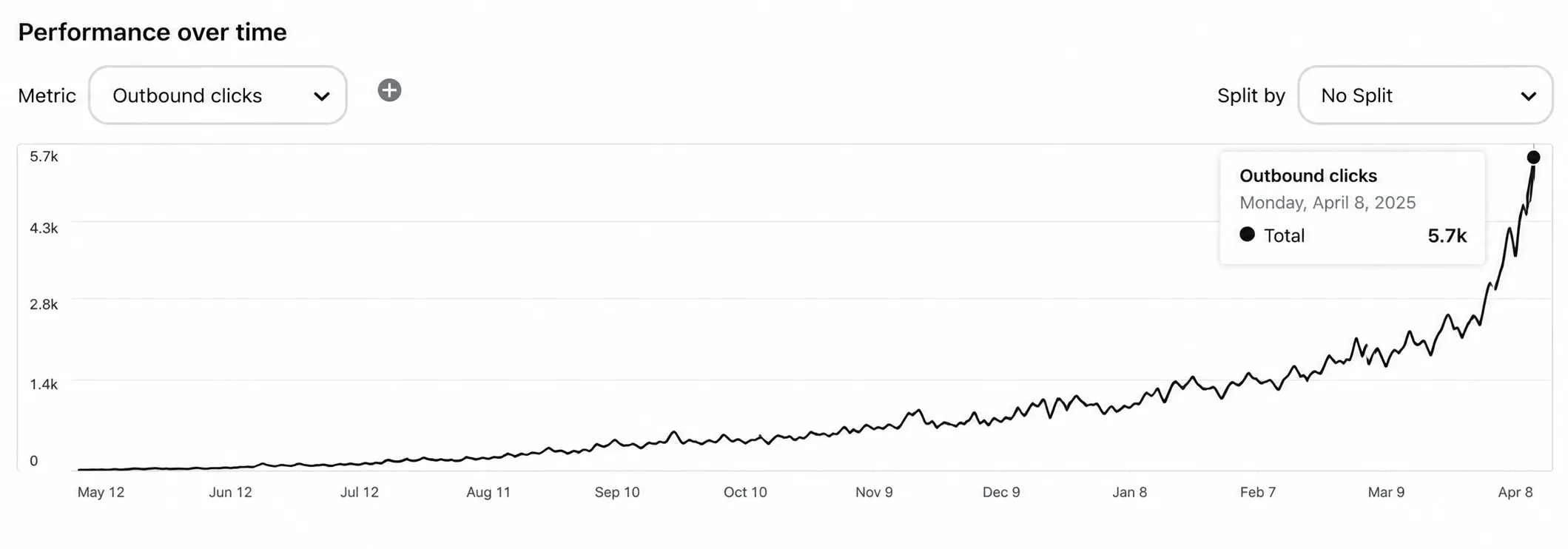
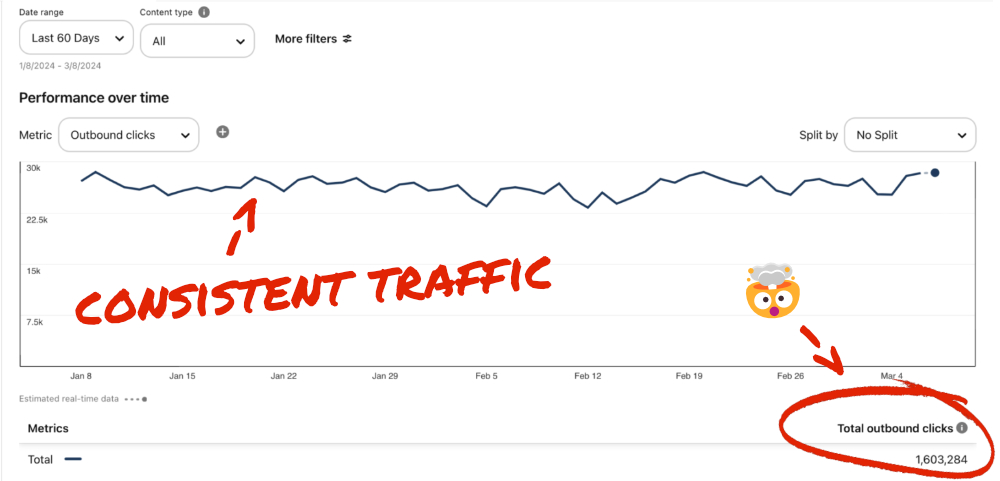
Print-on-demand is a numbers game: many designs, many products, thin margins. Pinterest gives you free, compounding traffic — pin every design on every product and let the clicks show you your winners.
👕 Tees, Mugs, Posters, Totes — Every Product Pinned
🖼️ Mockup Collages Show One Design on Many Products
⚡ Hundreds of pages → pins in 1 click✍️ AI Auto Blog + auto pins♾️ Unlimited AI pin designs
Free to start · No credit card needed · Official Pinterest API
👕 Design pinned
📈 Winner found
🛒 Order
⚡
AI Auto-Creates Pin Images for Hundreds of Designs — in 1 Click
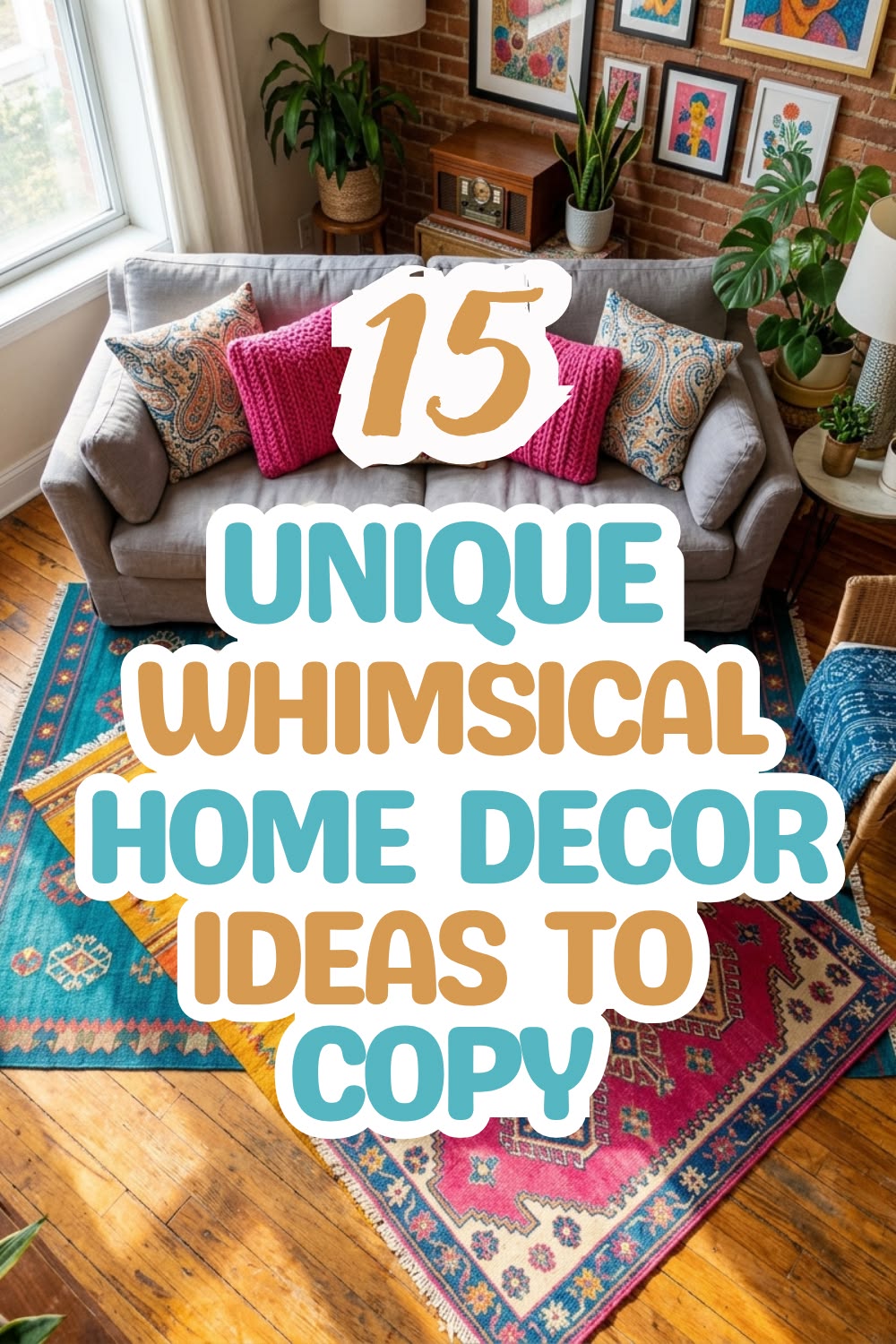
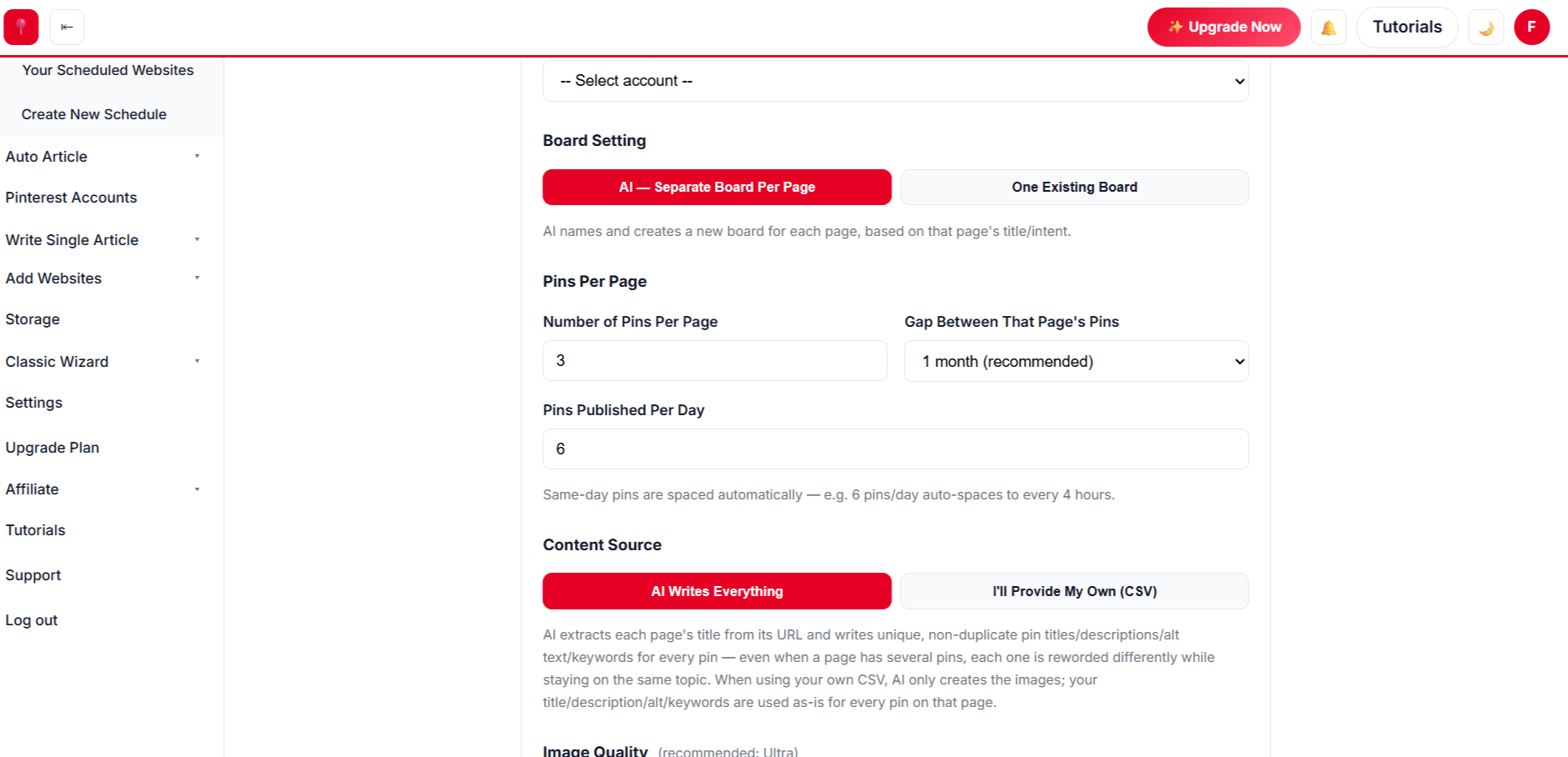
Select hundreds of designs at once. AI designs every pin from your own photos, writes the title, description, alt text and keywords, picks the board and schedules it all.
Paste a list of titles. AI writes each article with images, publishes it to your site on a daily schedule, and schedules pins for every post automatically.
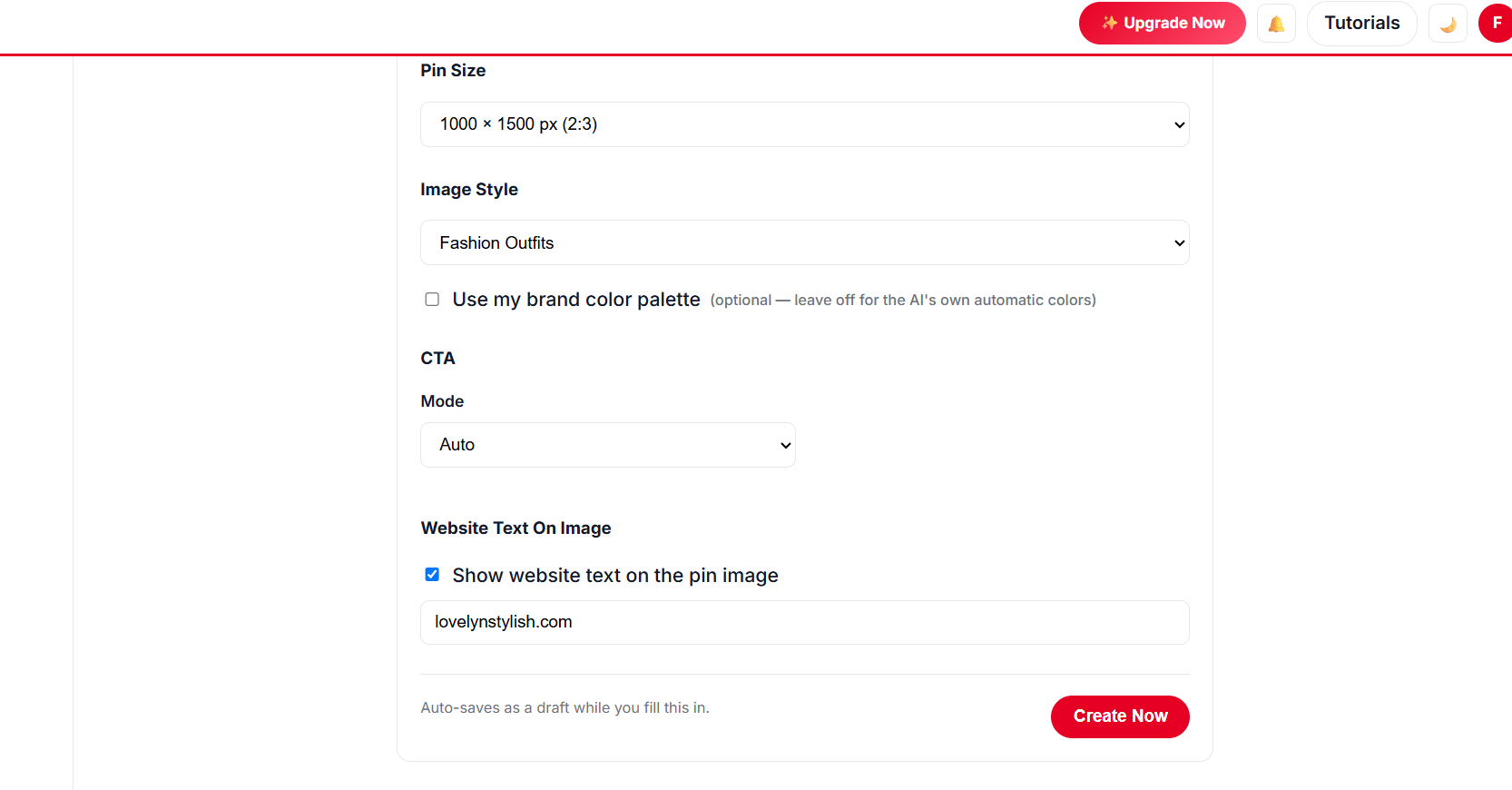
Unlimited templates, colour palettes and fonts, plus a free Canva-style design editor with every premium feature — AI picks the best look for every page, so no two pins look the same.
Create Hundreds of Blog Posts With Images, Publish Them and Schedule Pins — in 1 Click
Give AI a list of titles for your print-on-demand niche. It writes every article with images, publishes to your website at the pace you choose, and schedules Pinterest pins for each post — all in the background.
Avoid trademarks and designs you don’t have rights to.
// MANUAL VS AUTOMATED
Manual vs Automated Print-on-Demand Store Pins
Task
Doing it by hand
With AutomatedPin
Pin design
✕ One at a time
✓ Hundreds of designs in 1 click
Pin copy
✕ Written by hand
✓ AI writes titles, descriptions & alt text
Posting
✕ Daily manual work
✓ Months scheduled in one run
New content
✕ Write every post yourself
✓ Auto Blog writes, publishes & pins
// PRICING FOR PRINT-ON-DEMAND SELLERS
Start Pinning Your Print-on-Demand Sellers Designs for Free
Create a free account and schedule your first designs — no card needed. Paid plans start at $39/month when you want more pins, Auto Blog and team seats.
Find the designs that bring clicks and make more of them.
Up to 5x more traffic
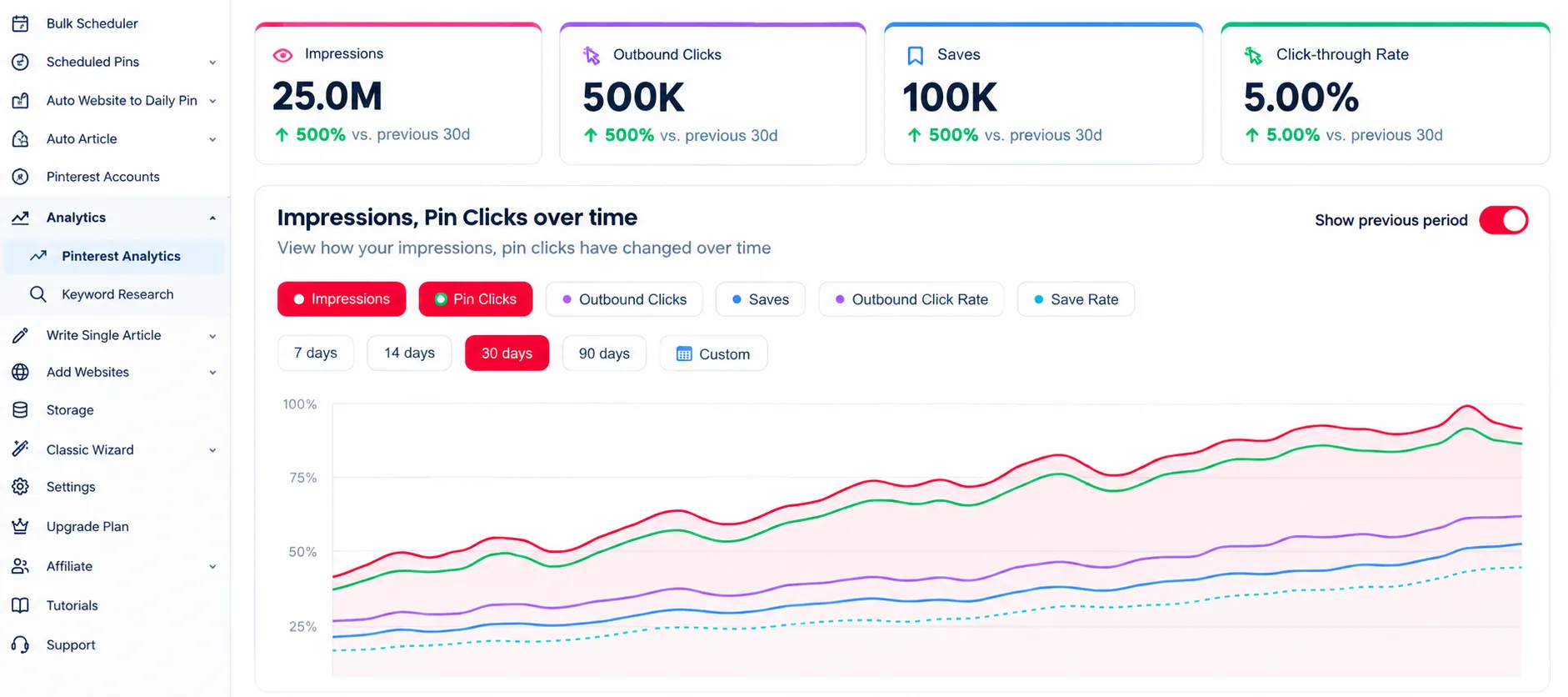
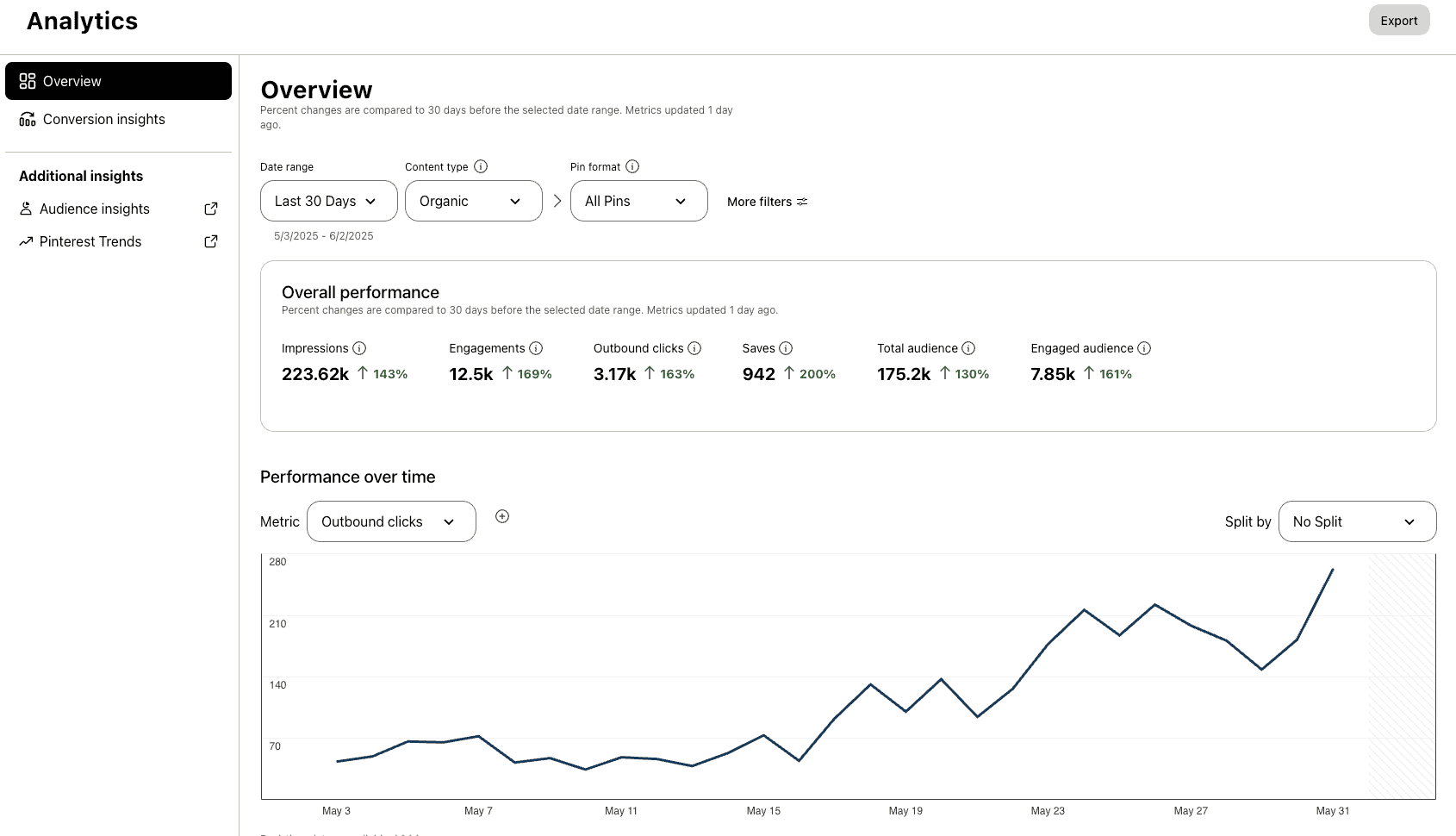
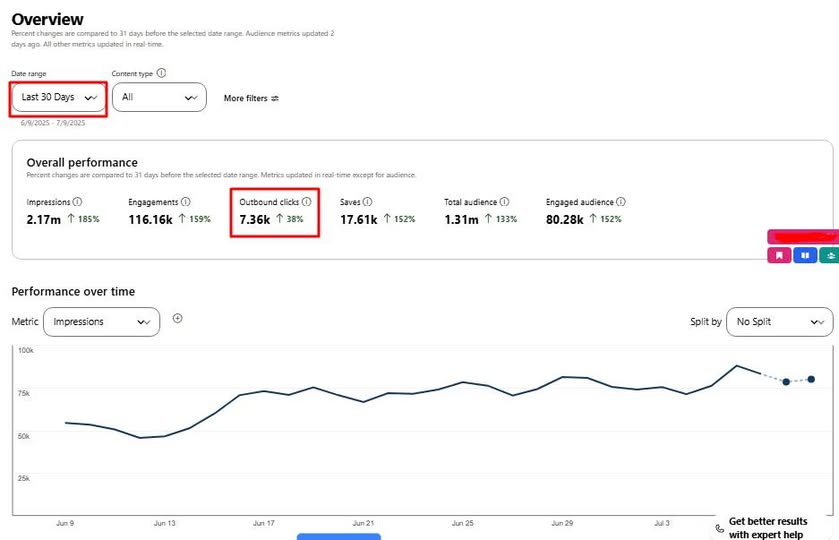
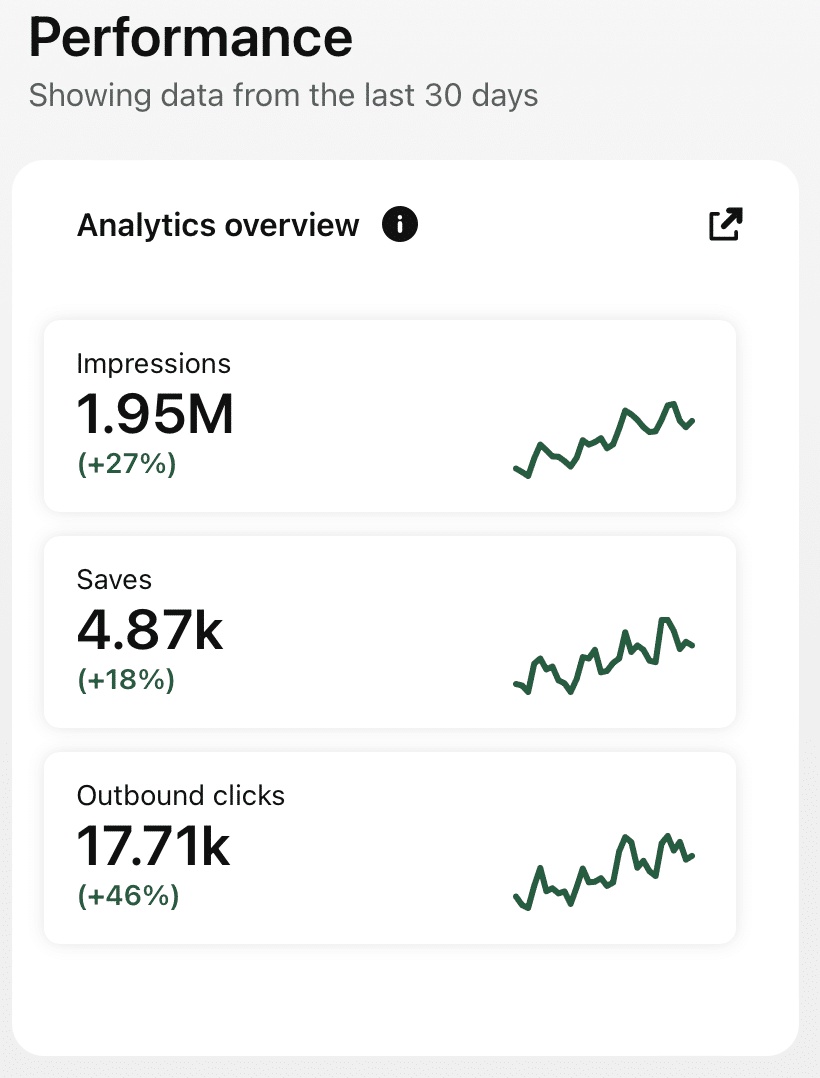
Analytics
Track clicks and saves for all your designs.
47% higher engagement
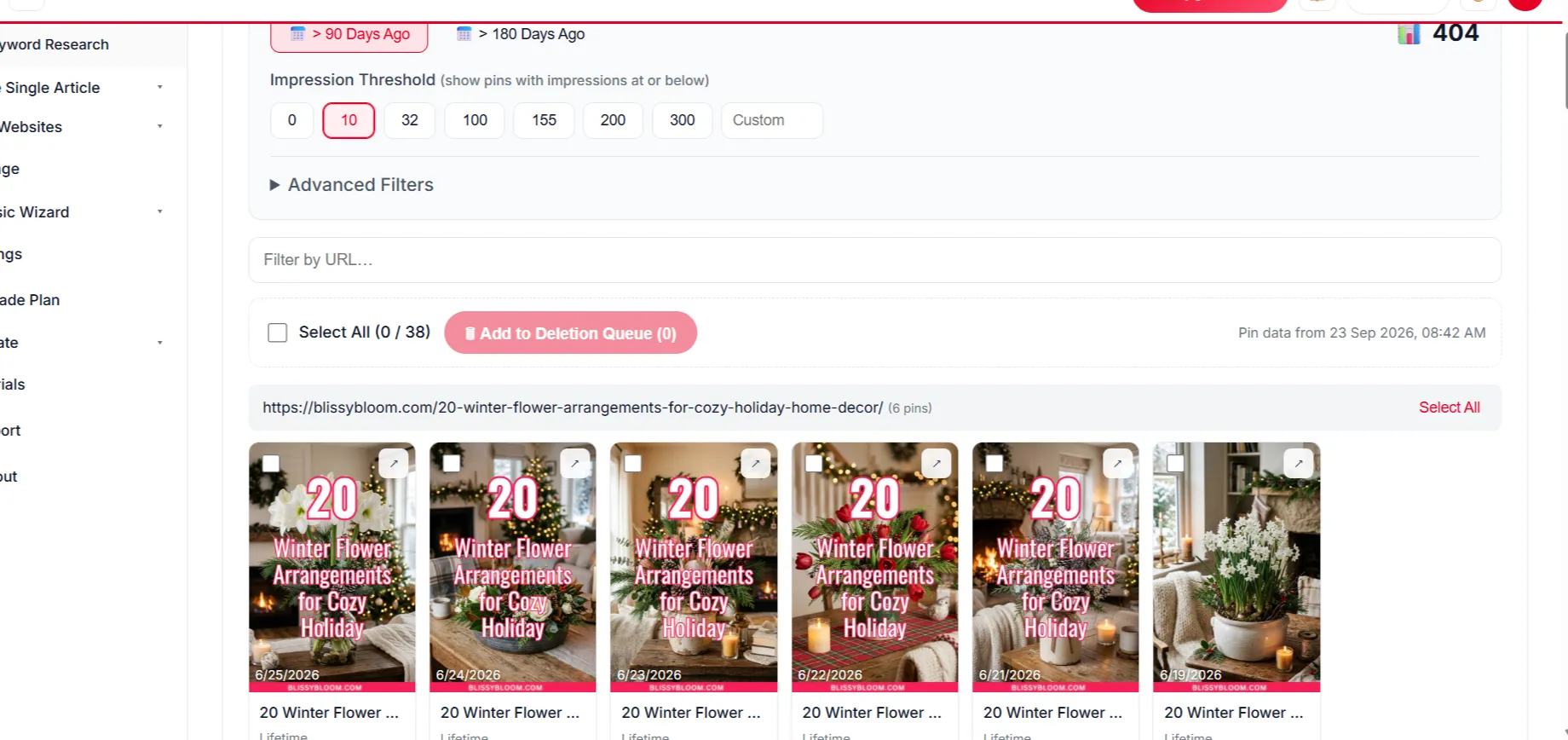
Delete Underperforming Pins
Remove weak pins to keep engagement strong.
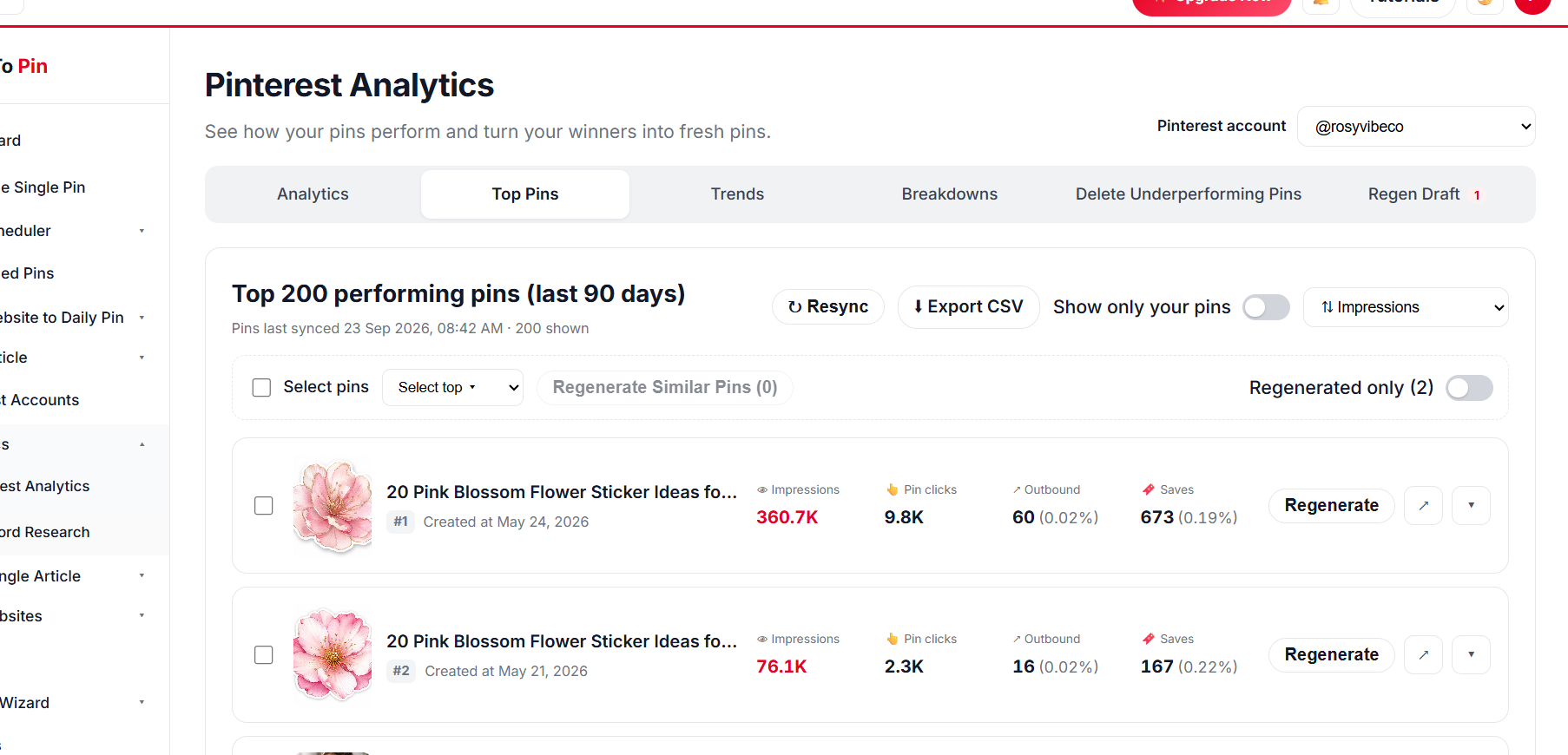
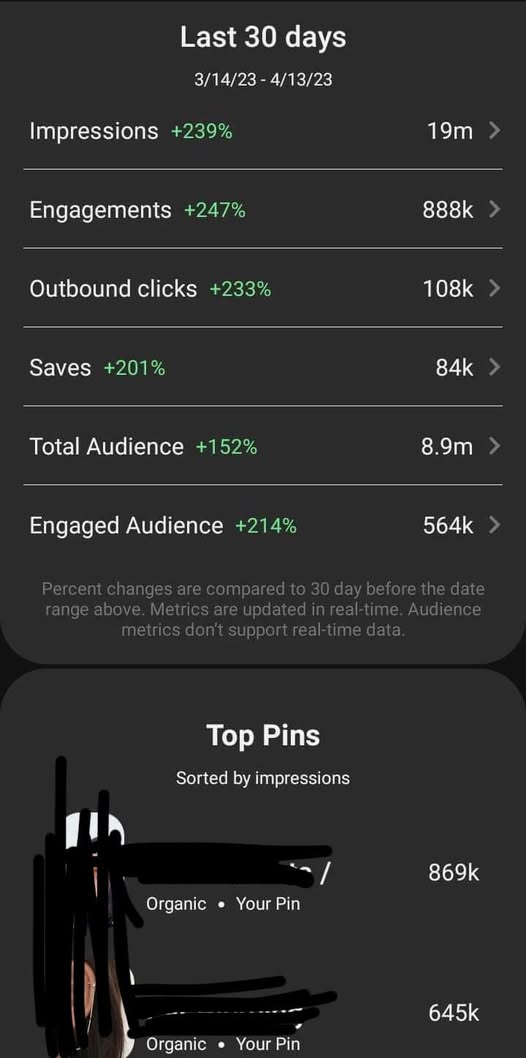
Top Pin Performance
See your top pins at a glance.
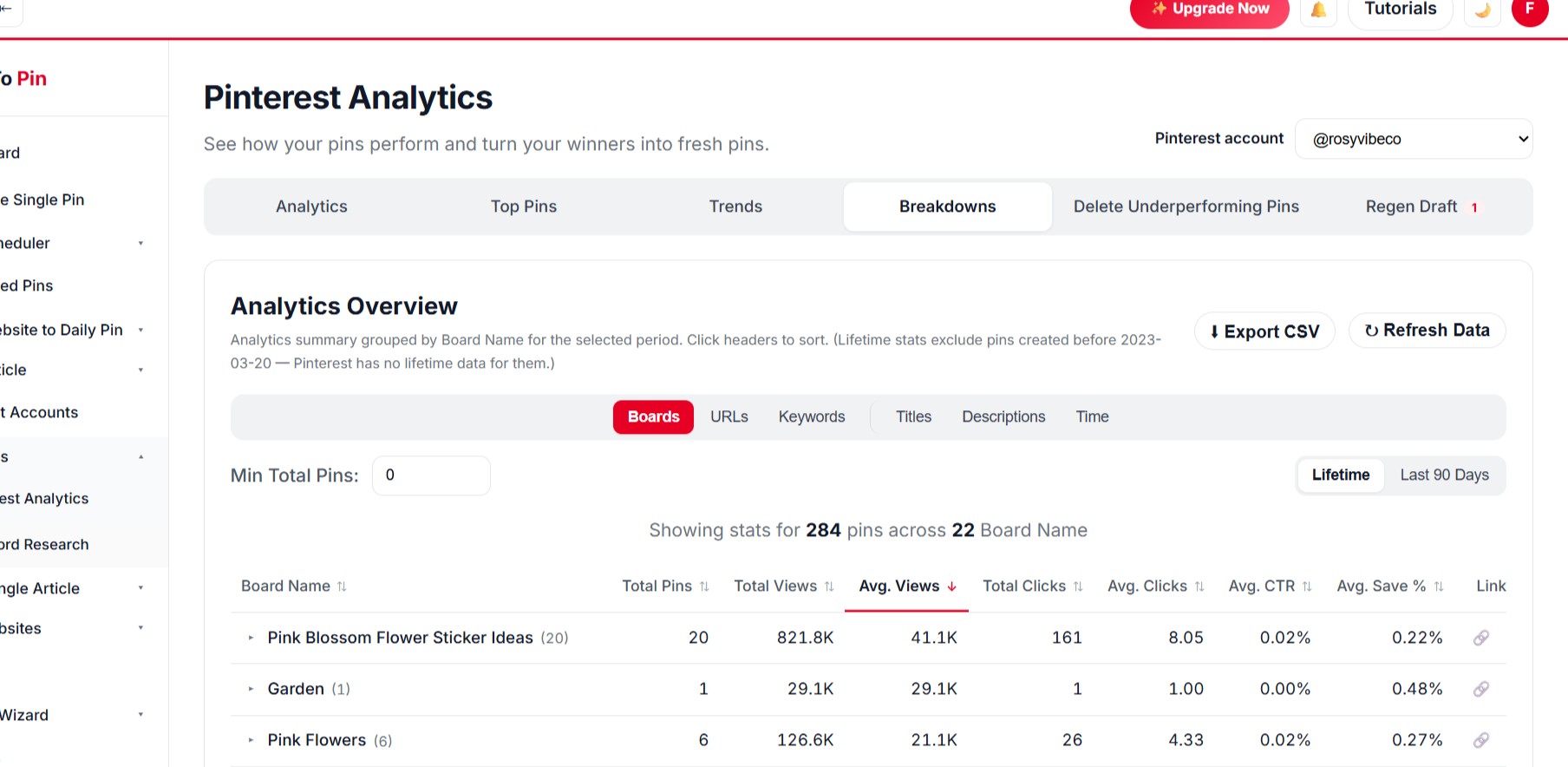
Break It Down Any Way You Want
Compare by board, URL, keyword, title and time.
BoardsURLsKeywordsTitlesDescriptionsTime
// WHO IT'S FOR
Made for POD sellers
Beginners to POD brands.
New POD sellers
Free traffic while you learn what sells.
Multi-store sellers
Run Pinterest for all your stores in one dashboard.
POD brands
Keep hundreds of designs visible.
What Our Users Say
Priya Kapoor
Founder, The Home Edit Co.
★★★★★
The AI pin designs actually look good out of the box. I barely touch the brand color setting and every pin already matches my site.
Marcus Webb
E-commerce Manager
★★★★☆
Took a little while to get Auto Blog set up the way we wanted for our product pages, but once it clicked it's been running untouched for two months straight.
Emily Carter
Content Creator
★★★★★
Being able to hand my assistant a login through Team Management, without giving away my own account, was exactly what I needed.
Ahmed Khan
Affiliate Marketer
★★★★★
Every new post I publish gets turned into pins automatically now. It's the closest thing to "set it and forget it" I've found for Pinterest.
Priya Kapoor
Founder, The Home Edit Co.
★★★★★
The AI pin designs actually look good out of the box. I barely touch the brand color setting and every pin already matches my site.
Marcus Webb
E-commerce Manager
★★★★☆
Took a little while to get Auto Blog set up the way we wanted for our product pages, but once it clicked it's been running untouched for two months straight.
Emily Carter
Content Creator
★★★★★
Being able to hand my assistant a login through Team Management, without giving away my own account, was exactly what I needed.
Ahmed Khan
Affiliate Marketer
★★★★★
Every new post I publish gets turned into pins automatically now. It's the closest thing to "set it and forget it" I've found for Pinterest.
Any storefront with public product pages — your own store or marketplace product pages. Pages that can’t be read show as skipped.
Can one design get several pins?
Yes — up to 10 pins per page with different templates and headlines.
Are there rules about designs?
Only promote designs you own the rights to, and follow Pinterest’s guidelines.
Can AI create pins for all my designs at once?
Yes. Select hundreds of designs in one run and approve once — AI designs every pin from your own images, writes the copy, picks the boards and schedules everything.
Can AI write and publish new posts too?
On plans that include Auto Blog, AI writes articles with images from your list of titles, publishes them to your WordPress, Shopify, Wix or custom site at your daily pace, and schedules pins for every post. Review anything factual before it goes live.
Is there a free way to try it?
Yes — use the free Pin Maker and other free tools with no account, or create a free account to start scheduling.
// FREE TOOLS
Free Pinterest Tools — No Sign-Up Needed
Try these free tools first, then put everything on autopilot.